

A background job can slow the whole storefront
A slow storefront is not always caused by storefront code. A background process can hold database connections, locks, CPU time, memory, or disk throughput that live requests need.
Examples include a long-running export, a heavy custom cron, a queue consumer, or a script that keeps a database transaction open while it works. The job may finish successfully and still delay customer requests for its entire run.
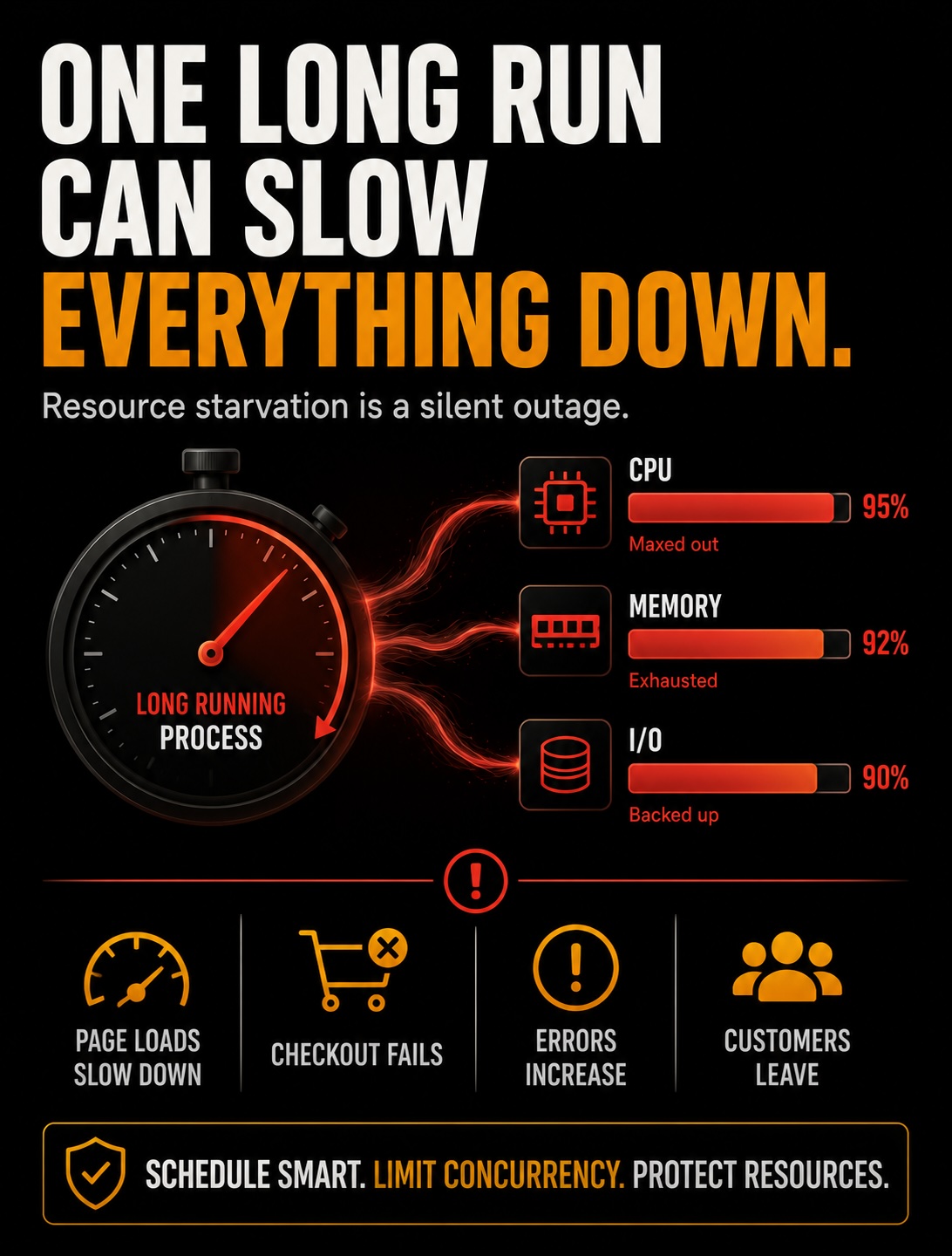
Resource starvation means that one workload uses enough of a shared supply that later requests must wait or fail. Match the slowdown to the job schedule, measure the resource under pressure, and fix the contention before changing checkout or cache code.
Shared resources are finite
A Magento store runs on a fixed pool of shared resources. Database connections, row and table locks, CPU, memory, and disk throughput all have limits. Web requests, cron jobs, queue consumers, and administrative scripts draw from those same limits.
When a background process takes a large share, less capacity remains for live requests. The storefront does not get a private database pool or a private set of CPU cores just because the work started in the background.
A job can run cleanly in an isolated test and still degrade the site during traffic. Its own run time is only one measurement. The resource it holds and the time it holds it determine the customer impact.
Database connections and the pool
Every process that talks to the database needs a connection. MySQL limits simultaneous connections with max_connections. PHP workers, cron jobs, queue consumers, and monitoring tools all count toward that limit.
A process can consume several connections, or hold one while it waits on a slow query or external service. Each connection held by the job is unavailable to storefront requests. When the active count reaches the limit, new requests wait or fail with errors that can look like a database outage even while the database server is still running.
Check the connection count during the slow window. A high number of sleeping connections points to connection cleanup or pool sizing. Many active queries from one job point to workload pressure. The fix depends on which pattern you find.
Locks are the quiet starvation
A transaction keeps its row locks until it commits or rolls back. A process that wraps a large operation in one transaction, or uses SELECT ... FOR UPDATE, can block other queries that need the same rows.
This gets painful on hot data such as inventory, quotes, or order records. A storefront request that needs one locked row waits behind the background job. One long transaction can turn work that normally runs in parallel into a queue.
Nothing in the storefront code needs to be broken for this to happen. The query is waiting for a lock. Use SHOW ENGINE INNODB STATUS during the incident to inspect lock waits and the transaction holding them.
CPU and memory contention
A CPU-heavy job competes directly with request handling. A custom reindex, large report, or image-processing task can use every available core, leaving web workers waiting for time to run.
Memory pressure creates a second failure path. A job that consumes too much RAM can push the server into swap, where disk stands in for memory and everything slows down. If memory keeps rising, the operating system's out-of-memory killer may terminate the job or a PHP worker.
These problems often appear as a store that slows at the same time every day. The schedule is evidence. Compare it with CPU, memory, swap, and load data instead of treating the symptom as a random application bug.
Finding the offending process
Start with a timeline. Record when the storefront slows, when the job starts, how long it runs, and whether traffic changed at the same time. A daily slowdown that follows a job schedule deserves a resource check before a code rewrite.
Watch the database during the slow window with SHOW FULL PROCESSLIST. It shows current connections, query text, duration, and state. Use SHOW ENGINE INNODB STATUS to inspect lock waits and long transactions.
At the operating-system level, use top or ps to identify the process using CPU and memory. Use vmstat to check runnable work, swap activity, and I/O pressure. Cross-reference the process start time with the cron schedule, queue configuration, job logs, and any manual commands.
Record the job name, process ID, database queries, resource peak, and affected time window. That evidence separates a background process from a traffic spike and gives the next engineer a Reproducible investigation.
Containing it
Containment has two levers: reduce the amount of resource each run uses and run the work when fewer customers need the same capacity.
Commit in batches instead of keeping one transaction open for the entire job. A batch can read a limited set of records, process them, commit, and release its locks before the next batch starts. Choose a batch size the database can handle, and make the job safe to retry if it stops between commits.
Define off-peak from real traffic data, time zones, promotions, and customer support coverage. Midnight on the server clock may still be a busy period for customers. Schedule heavy work for the lowest-risk window and leave enough time to stop it before the next traffic peak.
Limit worker concurrency. Two heavy jobs that overlap can exhaust connections and CPU faster than the same jobs run in sequence. Stagger schedules, cap queue consumers, and prevent a second copy from starting while the first copy is still running.
Keep the schedule, worker count, batch size, and database endpoint in version-controlled configuration. Review the DIFF, record the job Directory, and make the setup Reproducible on a rebuilt host.
When heavy work deserves its own hardware
Some jobs remain too large after batching, scheduling, and concurrency limits. A continuous catalog sync, heavy reporting pipeline, or constant data-processing workload may need capacity the storefront also needs.
A dedicated worker node separates application compute from web requests. It does not automatically separate database or storage pressure, because the worker may still write to the same primary database or shared storage. Measure those dependencies too.
A read-heavy job can use a read replica when the job can tolerate replication lag and stale reads. A read replica does not remove write load from the primary, and it cannot support a workflow that needs current data or writes inside a transaction.
This is a capacity decision. Compare the cost of another worker, database capacity, storage throughput, and monitoring with the cost of repeated storefront incidents. Give the heavy process its own lane when shared capacity no longer leaves safe headroom.
Give the storefront room to run
Long-running processes sit outside the customer path, but shared resources connect them to every request. A job that holds a connection, lock, CPU core, or memory for too long can become a storefront incident without changing a line of storefront code.
During a stability review, map each background job to its schedule, owner, resource limits, database access, and log Directory. Track connection count, lock waits, CPU, memory, swap, and I/O during the job. Then choose batching, scheduling, concurrency limits, or separate capacity from evidence.
Recheck those measurements after a deployment, catalog growth, traffic change, or worker-count change. A process is safe to share only while it leaves enough headroom for the storefront.