

You deployed, and now the web nodes are cooking eggs
You push the latest code to production, flip maintenance mode off, and your web nodes start heating up like they are about to make you scrambled eggs for breakfast. The site crawls, the loading wheel spins, and everyone watching the deploy holds their breath. We have all been there.
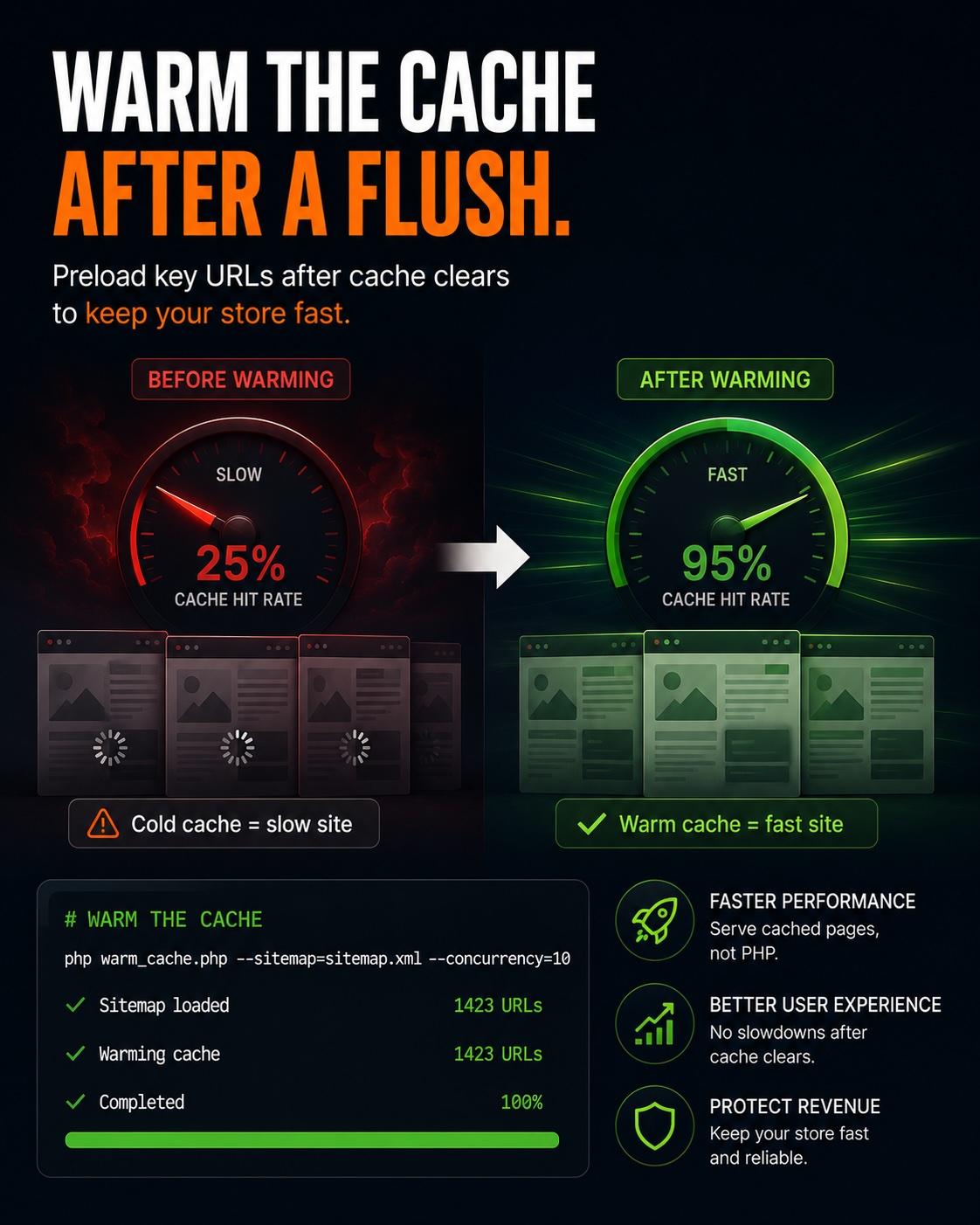
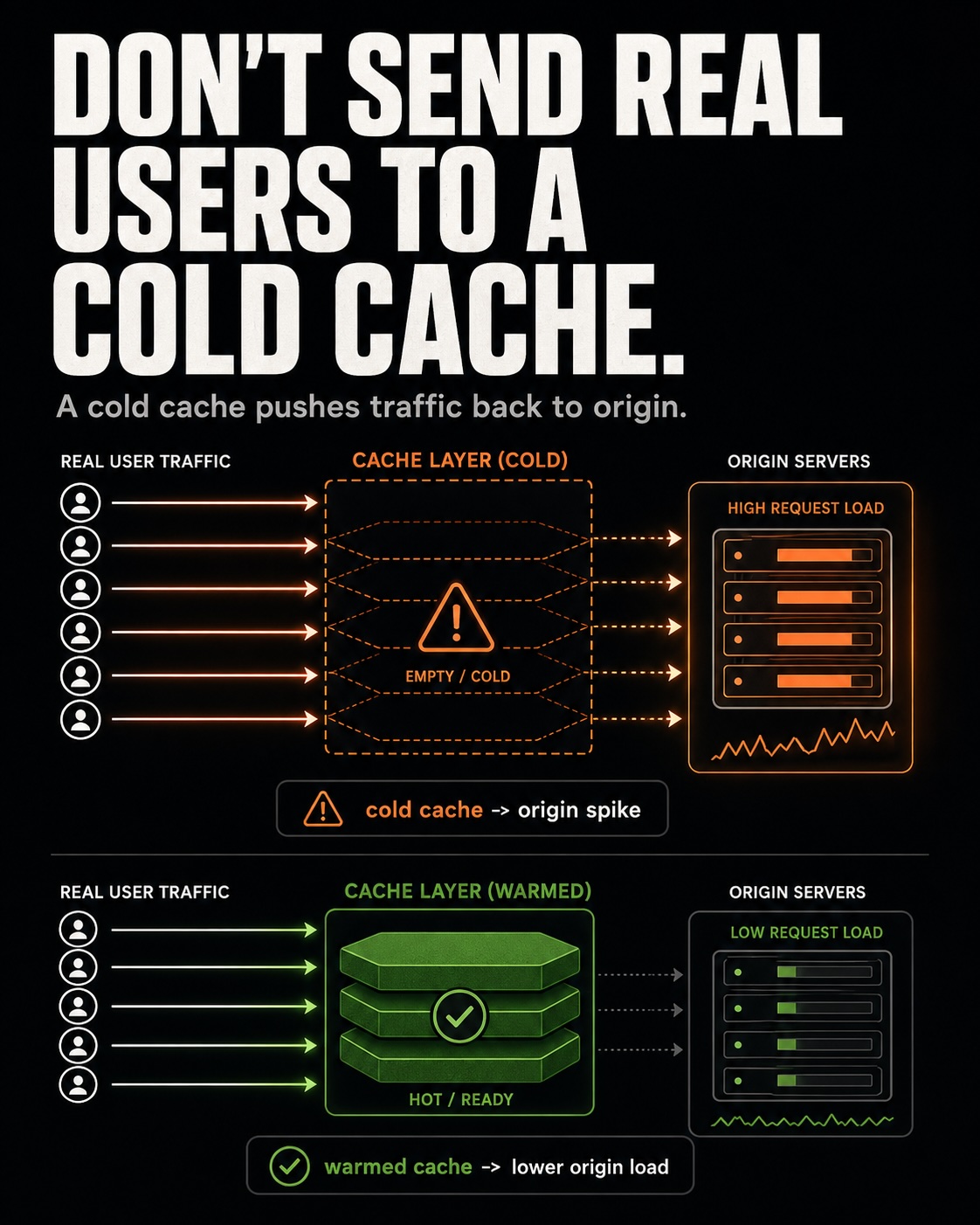
What just happened is avoidable. Your deploy flushed the cache, and then deploy timing, real customer traffic, and web crawlers all hit a cold store at once, which is a cache rebuild storm.
This article shows how to warm the cache with nothing but Bash and curl, using the sitemap you already have, so the store is hot before the first customer sees it.
Why the cache storm happens
A deploy clears the full page cache. Every page a customer requests after that has to be regenerated from scratch, which means PHP, the database, and the indexers all do the full amount of work the cache normally saves them from.
On a quiet site that is fine, because the pages warm up gradually. On a busy site, hundreds of cold requests plus a crawler or two land in the same few seconds, and each one triggers a full render at the same moment.
Deploy behind maintenance mode
The fix starts with how you deploy. The assumption here is that you put the store into maintenance mode before you push code, which is the safe way to do it.
bin/magento maintenance:enableOn its own, that shows the maintenance page to everyone, including you. You want one exception so you can reach the real site while customers still see the maintenance page.
bin/magento maintenance:enable --ip=123.123.123.123That is the correct flag: two dashes, --ip=, then the public IP that should skip the maintenance page. You can repeat --ip= to allow more than one address, so both your office and the host running the warmer get through.
Warm the cache before you exit maintenance
Here is where the timing works in your favor. After the deploy finishes, do not exit maintenance mode yet, because customers are still safely parked on the maintenance page.
That IP exclusion you set is the whole trick. A machine using that allowed IP can request the real store and trigger fresh page renders while everyone else waits, so the cache fills up with nobody watching a spinning wheel.
Run the warmer from a host whose public IP is on the allow list. When it finishes, the important pages are already cached, and only then do you turn maintenance off.
The cache warmer script
Every store has a sitemap.xml listing the pages that matter. This script reads that list and requests each page once, which is exactly what warms the full page cache.
#!/bin/bash

# ============================================================
# DISCLAIMER
# Provided as-is, with no warranty of any kind. Test on a
# staging store before you run it against production. You are
# responsible for the load it generates. Titan Tech HQ or any
# of its subs, affiliates or employees are not liable for any
# downtime, data loss, or other damage from its use. Review
# every line and adjust it to your own environment.
# ============================================================

# ============================================================
# CONFIGURATION
# Point this at your live Magento sitemap.xml file.
# ============================================================
SITEMAP_URL="https://yourdomain.com/sitemap.xml"

# Seconds to wait between requests so you do not spike CPU or
# the database. Use 0 for maximum speed, or 0.5 / 1 to throttle.
DELAY=0.5

# Identifies warming traffic in your Nginx or Apache logs.
USER_AGENT="MagentoCacheWarmer/1.0"

echo "Retrieving sitemap from: $SITEMAP_URL"

# Fetch the sitemap, pull out URLs, drop duplicates, loop.
curl -s "$SITEMAP_URL" | \
grep -Eo "(http|https)://[a-zA-Z0-9./?=_%:-]*" | \
sort -u | \
while read -r url; do
    # Skip nested .xml links if this is a sitemap index file.
    if [[ "$url" == *.xml ]]; then
        continue
    fi

    echo "Warming: $url"

    # Request the page to trigger the full page cache (FPC).
    curl -A "$USER_AGENT" -s -L -o /dev/null "$url"

    # Rate-limiting pause. sleep 0 is a no-op, so this is safe.
    sleep "$DELAY"
done

echo "Cache warming complete!"
What SITEMAP_URL does
Think of SITEMAP_URL as the address of a table of contents for your whole store. The sitemap is a plain list of every page worth knowing about, so pointing the script at it is the same as handing it that list and saying warm all of these.
The one thing people get wrong is the value. It has to end in /sitemap.xml, the actual file, not just your homepage, or there is no list to read and the script warms nothing.
If you are not sure of the path, open the URL in a browser. If you see a page of links, that is the address to paste in.
What DELAY does
DELAY is how long the script rests between page requests, measured in seconds. Picture knocking on a lot of doors: if you knock on every door at the same instant, the hallway is chaos, but if you wait a beat between knocks, everyone answers calmly.
Set it to 0 and the script fires as fast as it can, which warms quickly but pushes hard on the server. Set it to 0.5 or 1 and it slows down, which is gentler on a store that is already busy.
The default of 0.5 is a middle ground. Start there, watch your server load, and turn the number up if the machine feels stressed.
What makes this useful to us
This script is useful because it moves the expensive work to a moment when nobody is waiting on it. The pages get rendered while the store is still behind maintenance mode, so customers only ever meet warm, fast pages.
It also costs nothing and depends on nothing new. Bash and curl are already on the server, and the sitemap is already generated, so there is no extension to install and nothing extra to keep patched.
A note on sitemap index files
Some stores do not ship one flat sitemap. Instead sitemap.xml is an index that points to several smaller sitemap files, one for products, one for categories, and so on.
The script above skips any link ending in .xml, so against an index file it would warm nothing. If that is your setup, run the warmer once per child sitemap, or adjust it to follow the index into each child file first.
Checking which kind you have takes ten seconds in a browser, and it is worth doing before you trust the run.
Using Bash to make you cash
You are a Magento developer, and you should be comfortable writing a short Bash script. This is a good place to use that comfort, because a few lines of shell turn a painful deploy into a calm one.
Warm the cache before you exit maintenance, throttle it so you do not trade one storm for another, and let your Bash earn you some cash by keeping the store fast when it matters most. That is the whole play.