

A slow Admin is a platform warning
A slow Magento Admin costs staff time. Every slow grid and delayed save forces someone to wait.
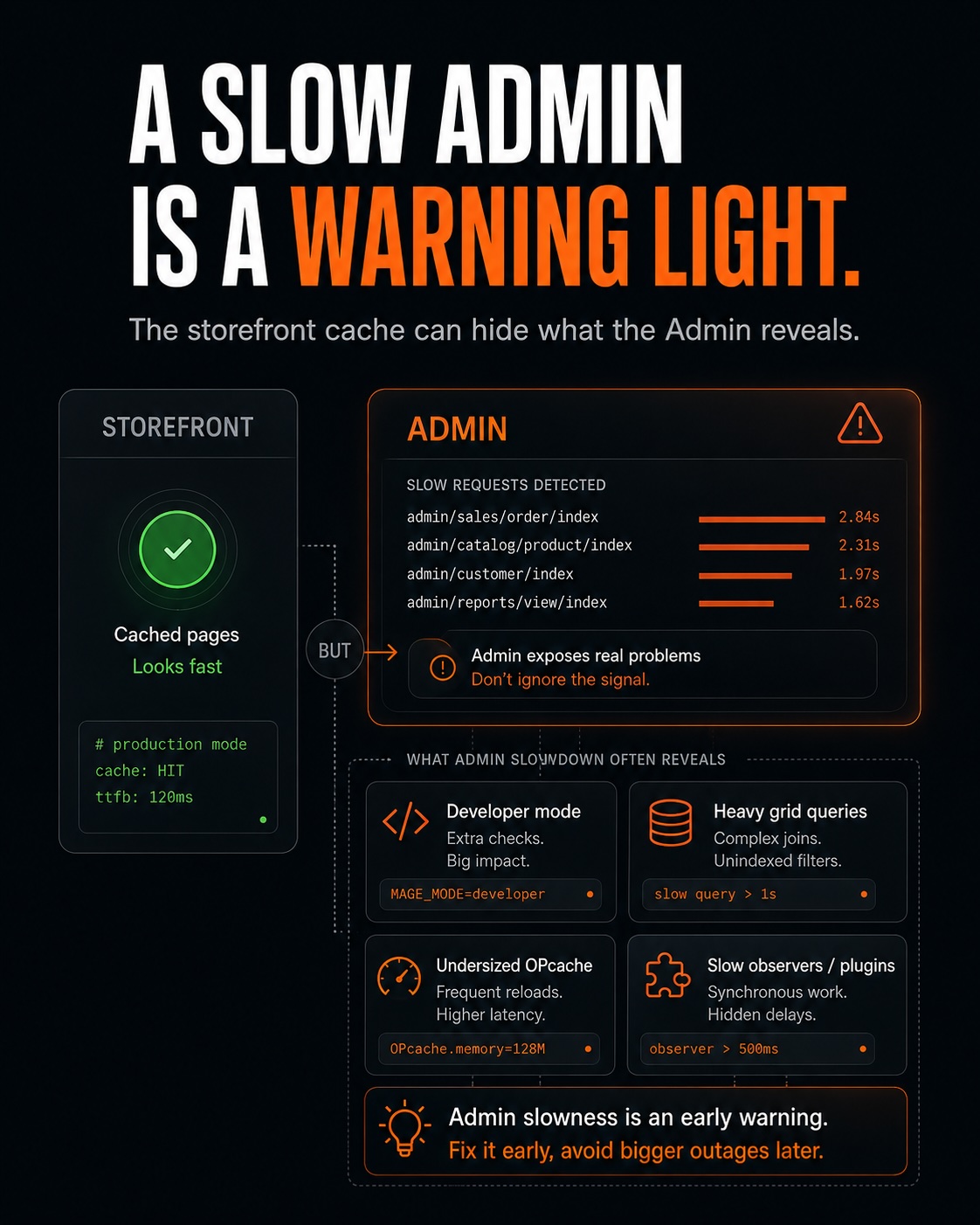
The Admin does not use the full-page cache that helps the storefront. Its speed depends directly on the application and database. This makes Admin slowness an early signal of deeper problems.
This article explains the common causes of a slow Admin, the fixes for each cause, and what Admin performance can show about the rest of the platform.
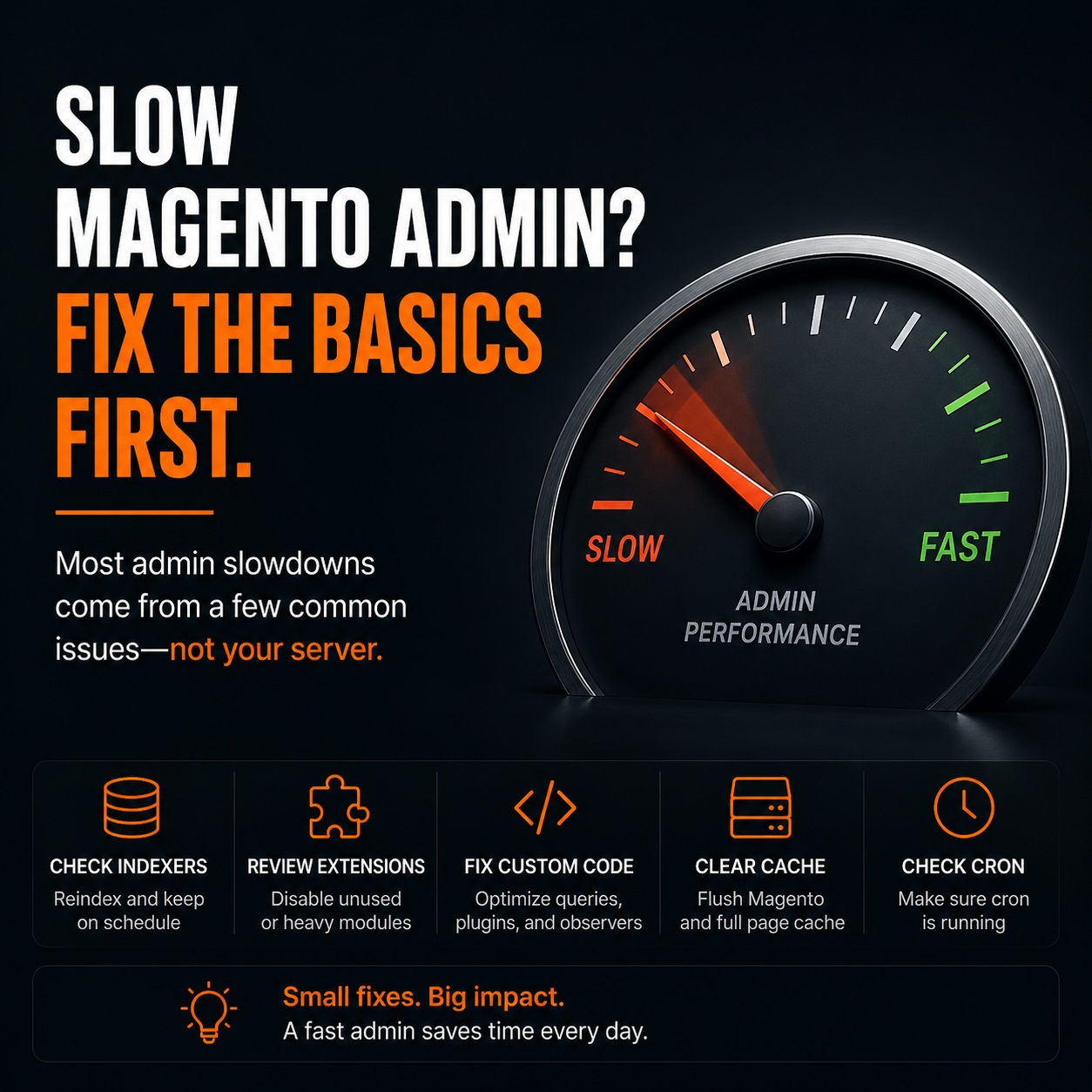
The Admin runs without full-page cache
The storefront can serve many pages from Varnish without running PHP. The Admin pages are dynamic and tied to a specific user, so they need the application to process each request.
Each Admin request runs through the application stack. PHP code, database queries, and page rendering all happen as the request is handled. A weakness in any of these layers appears directly in the Admin.
A store can have a fast storefront and a slow Admin. The storefront cache does not speed up Admin requests.
Check OPcache and deploy mode
Start with settings that affect every PHP request. Developer mode can slow each Admin page. An OPcache that is too small can do the same.
Confirm that the store runs in production mode and that OPcache has enough space for the codebase. These settings affect PHP across the entire store, so they can improve both the Admin and the storefront.
If the Admin became slow after a deployment, check for developer mode first. The store may be recompiling code on every request.
Large grids become slow database queries
Admin grids are often among the heaviest pages. A grid that loads a large collection with many columns and complex filters can run an expensive query each time someone opens it.
Use the same fixes as you would for any slow query. Add indexes to filtered columns, use sensible pagination, and remove columns that staff do not use. Profile the query behind any grid that feels slow.
Live dashboard reports slow Admin logins
The Admin dashboard runs reporting queries to build its charts. On a large store, these queries can be expensive. The dashboard loads when an Admin user logs in, so the cost repeats throughout the day.
If staff do not use the dashboard, disable it. Run its reports when someone needs them instead of running them during every login.
A dashboard that reads years of live sales data may do heavy database work to draw charts the team never checks.
Every extension adds Admin work
Extensions add Admin UI, menu items, and grid columns. Each extension adds some work, and a store with hundreds of modules pays that cost on every Admin request.
Module count affects Admin speed. Removing extensions the store no longer needs reduces the code loaded on each request.
If the Admin became slower after years of adding extensions, create an inventory. Remove modules that are unused or replace them with smaller implementations when possible.
Admin speed reveals database problems
The Admin sends many direct queries to the database, so database tuning has a strong effect on its speed. An undersized buffer pool or missing indexes can slow grids that read large tables.
Database problems often appear in the Admin before they are easy to see on the storefront. The Admin has less cache protection, so database work shows up in the request time.
Slow grids that read sales or catalog tables can point to a database that needs attention. Treat that slowdown as an early warning and review the queries, indexes, and buffer pool.
Slow saves point to observers and plugins
Observers and plugins can add work when someone saves a product or order. An extension that makes a synchronous integration call during a save forces the save to wait. An abandoned integration can cause the same delay.
If saves are slow while other Admin pages work normally, inspect the observers and plugins attached to the save event. A call to a slow or inactive external service is a common cause.
A slow save often shows that an extension is running work on every save. Check whether the store still needs that work.
Use Admin performance as a health signal
A slow Admin can point to problems in the application, database, extensions, or integrations. The storefront cache can hide some of those problems, while Admin requests expose them more directly.
During a performance review, check deploy mode, OPcache, grids, the dashboard, module count, database settings, observers, and plugins. Fixing the cause speeds up staff work and can reveal problems elsewhere in the platform.